Extended Search
The Extended Search provides the ability to search across the commit metadata and contents of documents, including the body of files such as Office documents, CAD files, Archive, Audio and more.
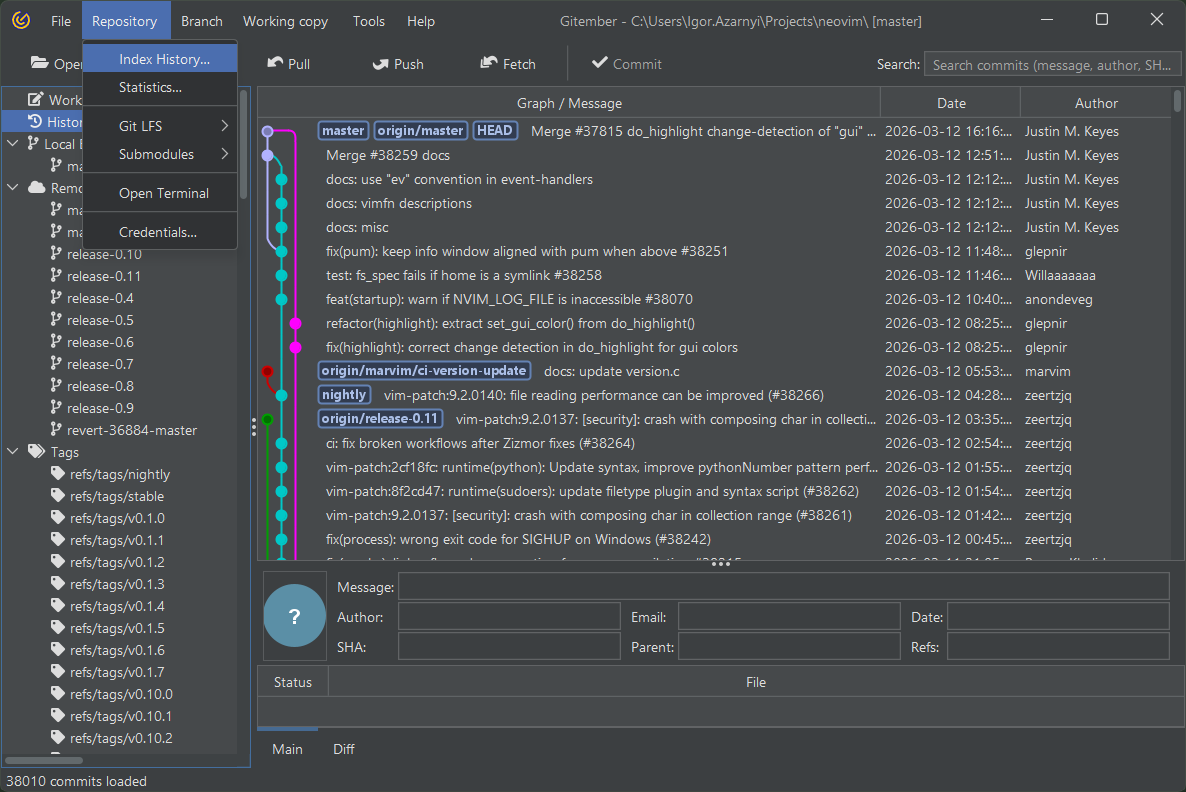
Indexing repository
-
Before using Extended Search, you need to index the files in your repository.
-
Open the Repostory menu and navigate to Index History.
-
Provide the history size (number of commits) you want to index
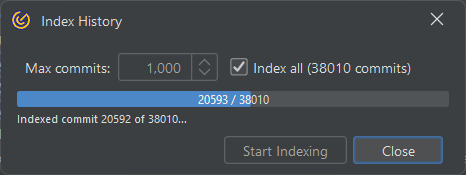
Gitember will index the files based on the specified history size, making their contents searchable.
Search
After index search filed will get green border, which mean that lucene index will be used.
- Start typing your search phrase (e.g., a specific commit message, SHA, file name, or part of body or meta info).
- Gitember will highlight all commits that match the search term.
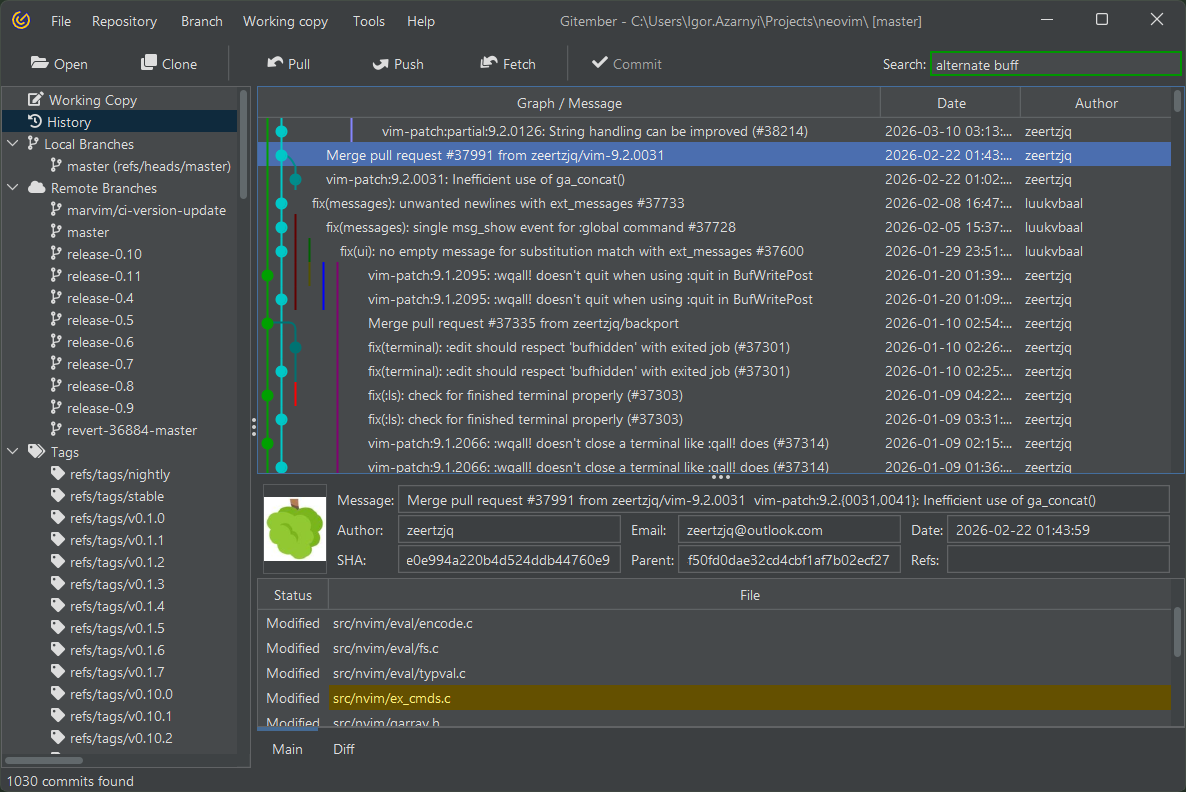
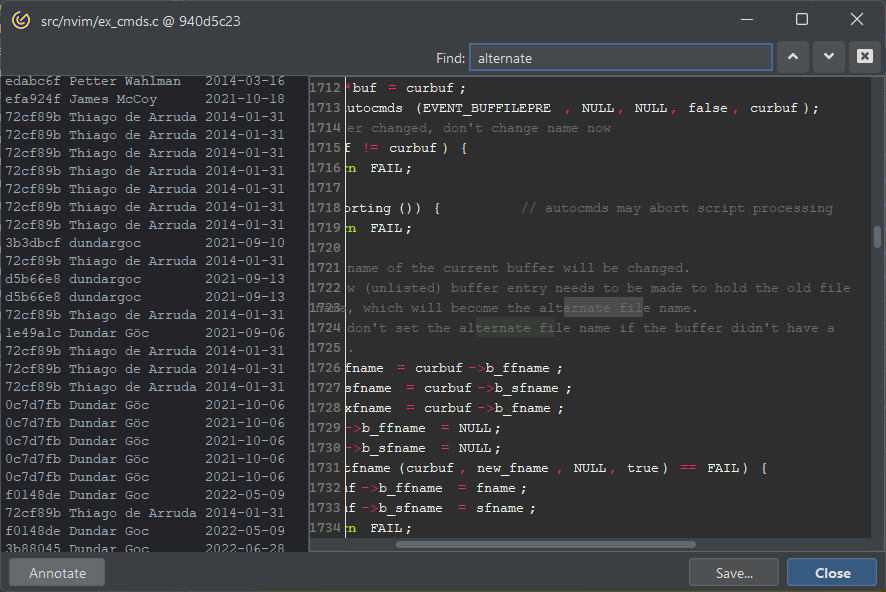
Search result will filter commits and hilight files where search term is located
Supported File Formats
List of supported formats